How to Split and Rearrange PDF Pages Online
Learn how to split and rearrange PDF pages online. This guide explains when to split PDFs, how page reordering works, and best practices.
How to Split and Rearrange PDF Pages Online
PDF files are often shared as complete documents, but sometimes you only need specific pages or want to change their order. In these cases, learning how to split and rearrange PDF pages online can save time and make documents easier to manage.
This guide explains what PDF splitting and page rearranging mean, when they are useful, and how to do them using an online PDF tool.
Why Split and Rearrange PDF Pages?
Splitting and reordering PDF pages is helpful when you need to:
- Remove unnecessary pages
- Extract specific sections
- Reorganize content flow
- Create smaller, focused documents
- Prepare files for submission or sharing
These tasks are common for students, professionals, and anyone working with digital documents.
What Does Splitting a PDF Mean?
Splitting a PDF involves separating a document into:
- Individual pages
- Multiple smaller PDFs
- Selected page ranges
This allows you to keep only the pages you need while discarding the rest.
How to Split and Rearrange PDF Pages Online
Step 1: Open an Online PDF Split Tool
You can use a browser-based PDF splitter such as:
👉 https://www.toolerd.com/tools/pdf-tools/split-pdf
No software installation is required.
Step 2: Upload Your PDF File
Upload the PDF file from your device. The tool will display a preview of all pages.
Step 3: Select Pages to Split
Choose which pages you want to extract or remove. Most tools allow selecting individual pages or page ranges.
Step 4: Rearrange the Page Order
Drag and drop pages to rearrange them into your preferred order. A visual preview helps confirm the layout.
Step 5: Download the Updated PDF
After making changes, download the new PDF file with pages split and rearranged as needed.
Example: Splitting and Rearranging PDF Pages
Below is an example of a PDF page selection and reordering interface:
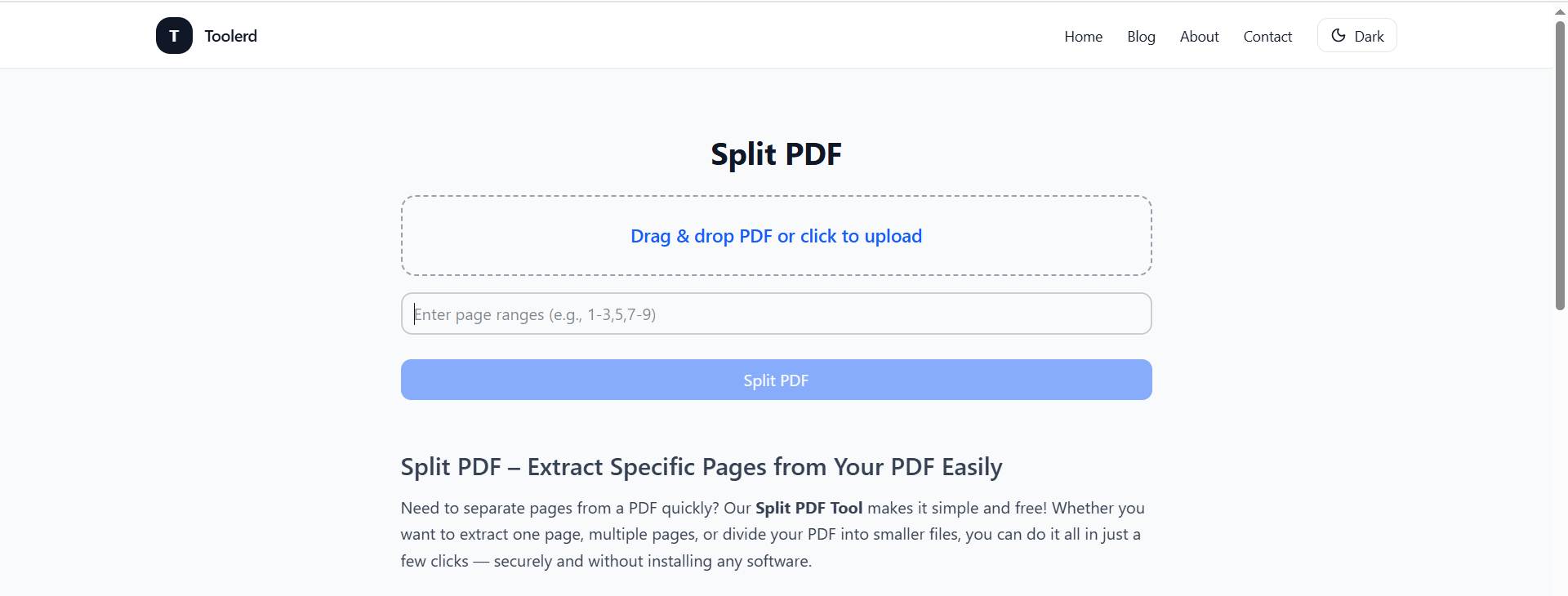
This preview allows users to confirm page order before downloading.
Benefits of Using Online PDF Tools
Online PDF tools are popular because they:
- Work directly in a web browser
- Do not require installation
- Support multiple devices
- Are accessible to non-technical users
- Save time for basic document edits
They are suitable for both personal and professional use.
Privacy and File Handling
Reputable PDF tools typically:
- Process files temporarily
- Delete uploaded documents after completion
- Do not store user files permanently
Always review privacy policies when working with sensitive documents.
Frequently Asked Questions
Can I rearrange pages after splitting a PDF?
Yes. Most tools allow reordering pages before downloading the final file.
Can I split large PDF files?
Yes. Large PDFs can usually be split into smaller documents.
Do I need to install any software?
No. Browser-based tools work without installation.
Can I use PDF split tools on mobile?
Yes. Most online tools work on mobile and desktop browsers.
Related PDF Utilities
If you frequently work with PDFs, you may also find these tools useful:
- PDF merge tools for combining files
- PDF protection tools for adding passwords
- PDF compression tools for reducing file size
Using the appropriate tool helps improve document management efficiency.
Final Thoughts
Knowing how to split and rearrange PDF pages online is a practical skill for managing digital documents effectively. Online PDF tools make it easy to reorganize files without installing additional software.
To explore an online PDF splitting option, visit:
👉 https://www.toolerd.com/tools/pdf-tools/split-pdf
Always review page order before downloading to ensure the final document meets your needs.