How to Merge Two PDFs Online
Learn how to merge two PDFs online into a single document. This guide explains PDF merging, common use cases, and how online tools work.
How to Merge Two PDFs Online
PDF files are commonly used for sharing documents, reports, and forms. In many cases, you may need to merge two PDFs online to create a single, organized document.
This guide explains how PDF merging works, when it’s useful, and how you can combine multiple PDF files using an online tool.
What Does It Mean to Merge PDF Files?
Merging PDFs means combining two or more separate PDF documents into one continuous file. The original layout, text, and formatting are preserved while pages are arranged in the order you choose.
PDF merging is commonly used for:
- Reports and presentations
- Invoices and receipts
- Academic assignments
- Business documents
How to Merge Two PDFs Online
Step 1: Open an Online PDF Merger
You can use a browser-based PDF merge tool such as:
👉 https://www.toolerd.com/tools/pdf-tools/merge
No installation is required.
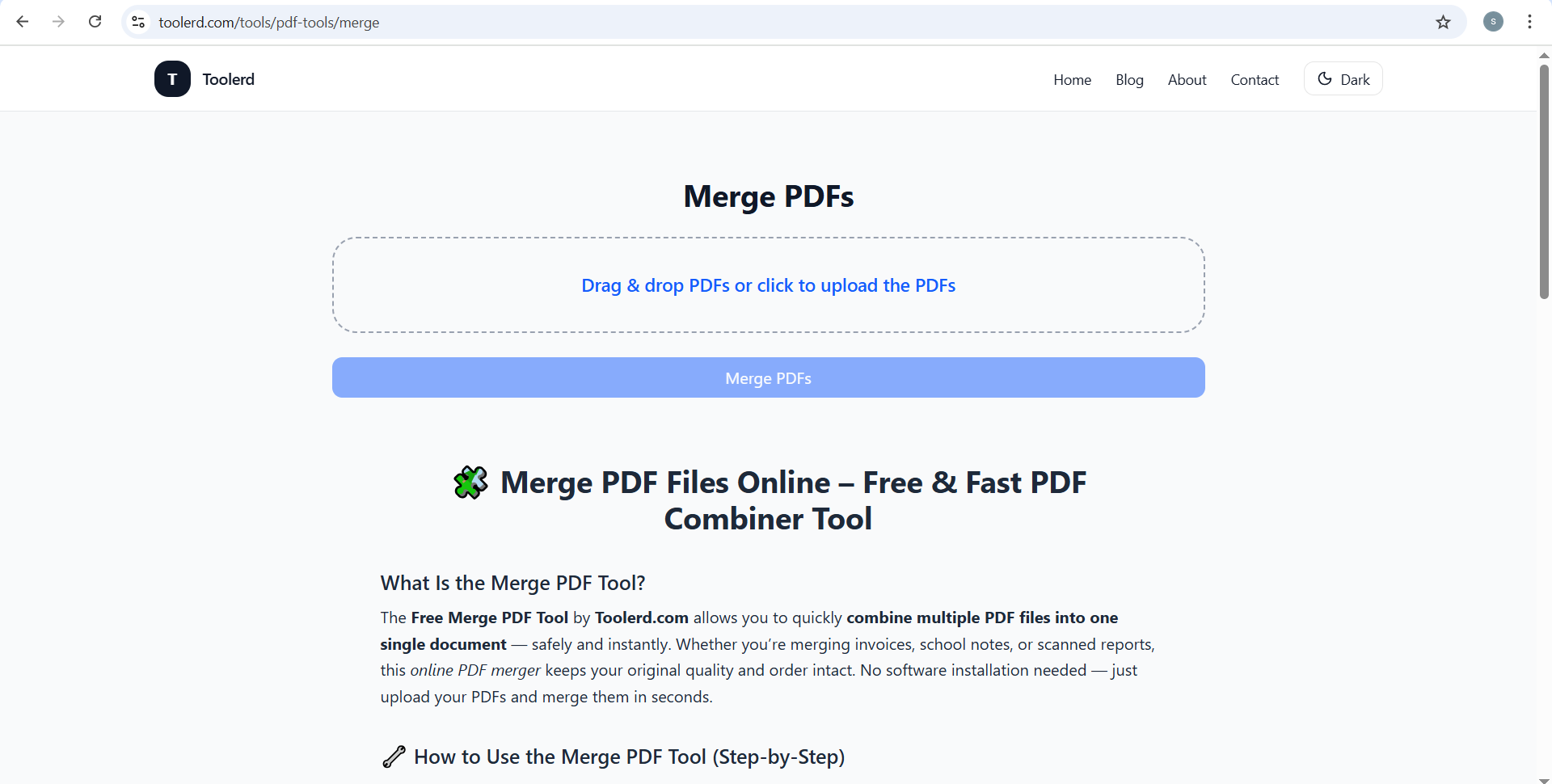
Step 2: Upload Your PDF Files
Upload two or more PDF files from your device. Most tools allow:
- File selection
- Drag-and-drop uploads
- Multiple PDFs at once
Step 3: Arrange the Page Order
Reorder the uploaded files if needed so the final document appears in the correct sequence.
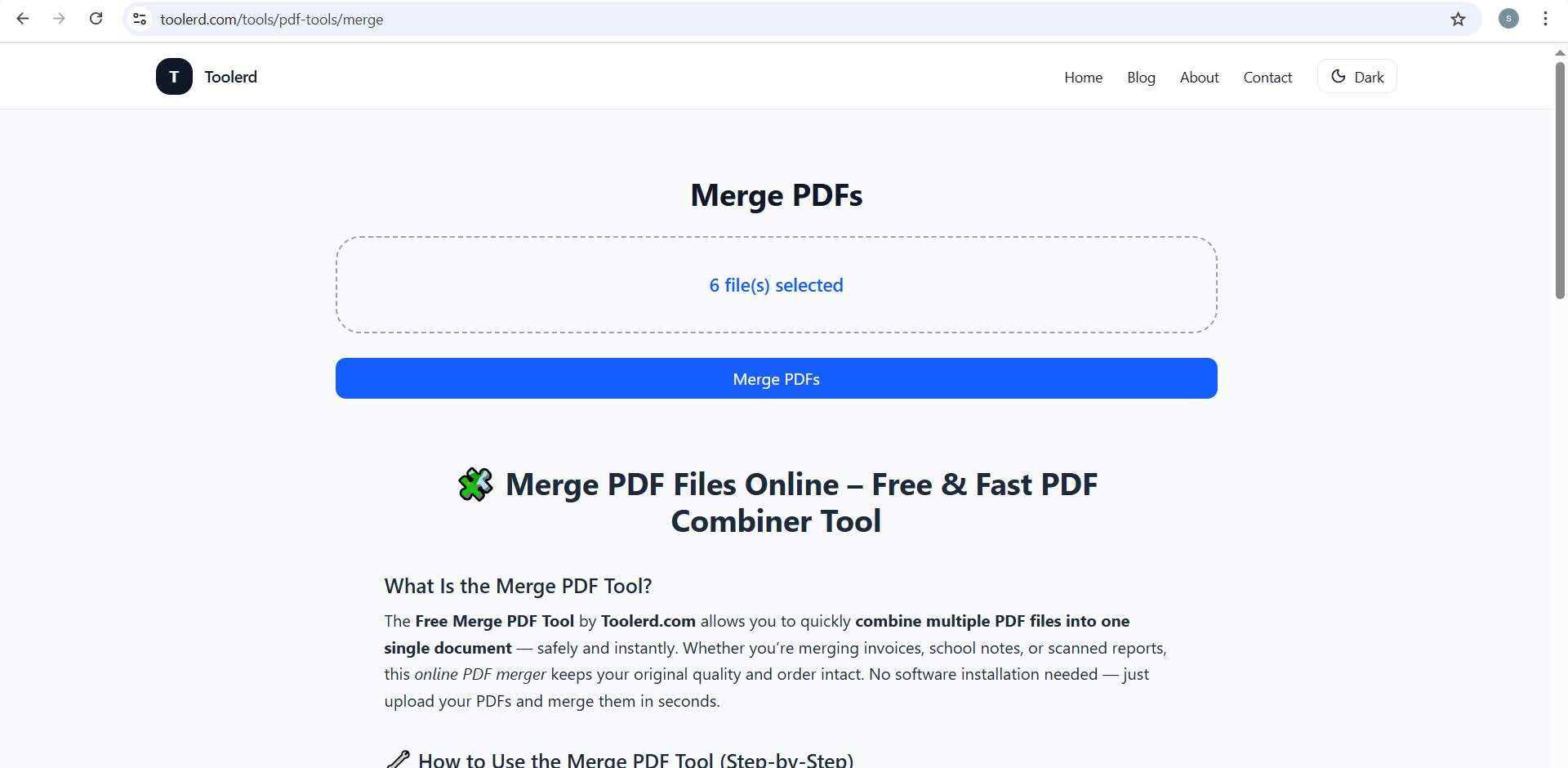
Step 4: Merge the PDFs
Start the merge process. The tool combines all selected PDFs into one document while preserving formatting.
Step 5: Download the Merged PDF
Once processing is complete, download the merged PDF file to your device.
Example: PDF Files Before and After Merging
Before:
After:
When Is PDF Merging Useful?
Merging PDF files is helpful when you need to:
- Combine related documents into one file
- Submit multiple files as a single attachment
- Organize scanned pages
- Simplify document sharing
It’s a practical solution for both personal and professional use.
Benefits of Using Online PDF Merge Tools
Online PDF tools are widely used because they:
- Work directly in a web browser
- Do not require software installation
- Support multiple devices and platforms
- Save time for basic document tasks
These tools are suitable for students, professionals, and small businesses.
Privacy and File Handling
Reputable online PDF merge tools typically:
- Process files temporarily
- Delete uploaded documents after completion
- Do not store user files permanently
Always review a tool’s privacy policy when working with sensitive documents.
Frequently Asked Questions
Can I merge more than two PDFs?
Yes. Most online tools allow merging multiple PDF files at once.
Will merging affect file quality?
No. PDF merging preserves the original quality and formatting.
Can I use PDF merge tools on mobile devices?
Yes. Most browser-based tools work on both desktop and mobile devices.
Related PDF Utilities
If you frequently work with PDFs, you may also find these tools useful:
- PDF split tools for separating pages
- PDF compression tools for reducing file size
- PDF protection tools for adding passwords
Using the right PDF tool for each task can improve productivity.
Final Thoughts
Learning how to merge two PDFs online is a simple but valuable skill for managing digital documents efficiently. Browser-based PDF merge tools make it easy to combine files without installing additional software.
To explore an online PDF merge option, visit:
👉 https://www.toolerd.com/tools/pdf-tools/merge
Always ensure your documents are arranged correctly before merging to achieve the best results.